Quotes
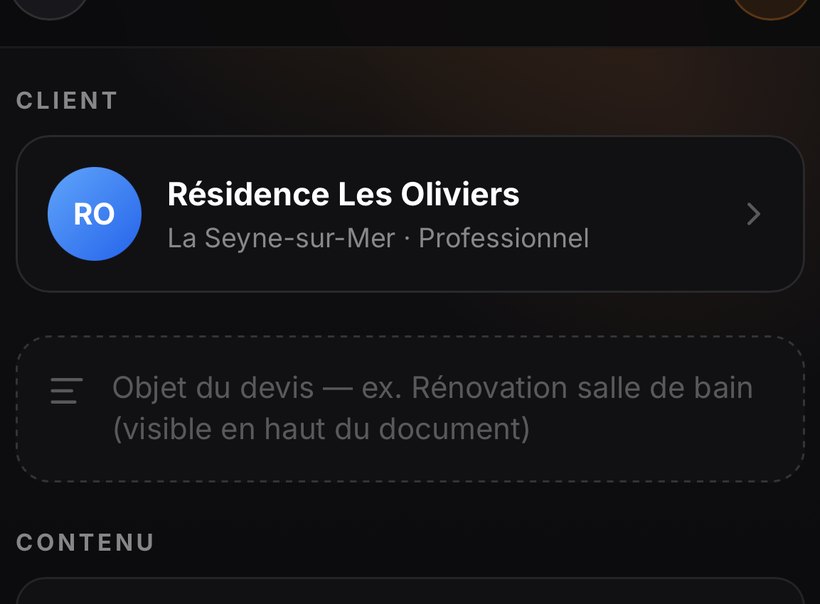
Sections, bundles, items, free text: a quote is built the way you price.
Photos, field notes, materials bought, hours spent, dates. Nexap derives the real margin — not the invoiced amount.

They're saved on the device immediately, then uploaded to your workspace. The Diagnostic screen tells you if any haven't left the phone yet.
Net quote revenue, minus what you PAY: materials, rental, subcontracting, your hours times your rate, and your travel per km. What's left is your margin. VAT never enters this calculation.
No, and it's the point we watched most closely. If you note a material on a job and then link the supplier invoice, the line hides behind the invoice — the invoice is authoritative. A purchase order never enters your outgoings: it's a commitment, not an expense.

