Quotes

Build a quote in minutes, from the site

Sections, bundles, items, free text: a quote is built the way you price. Deposit, validity, discount and VAT set in two taps.

  • Sections and bundles to structure a long quote without losing readability
  • Deposit on signature: 10, 20, 30, 40, 50% or a custom amount
  • Validity, global discount, VAT per line or per document
  • Auto-saved — a draft is never lost
Quotes

How it works

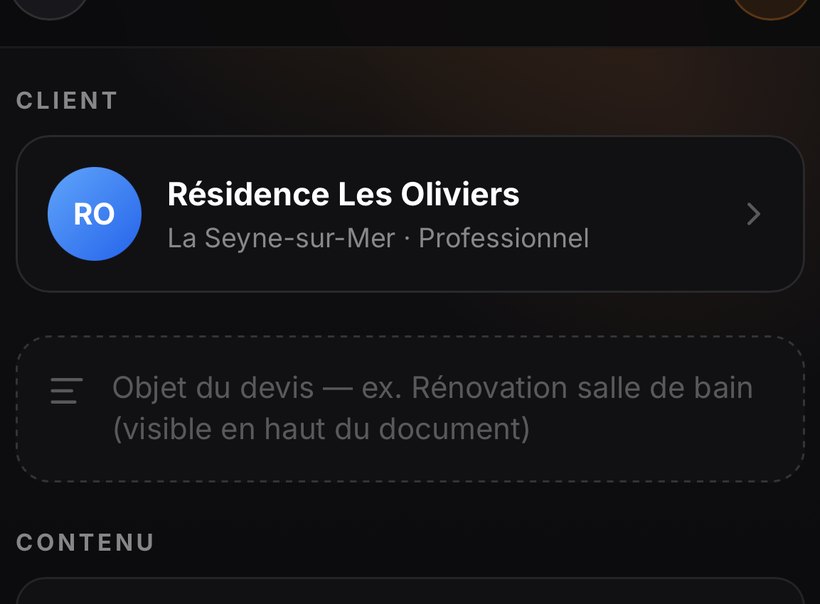
Pick the clientFrom the + button, take a client from your book or create one on the fly. Individual or business: the type changes the document wording.
Lay out your linesSection to group, bundle for a composite service, item for a single line, text for a note without a price. The catalogue offers them at your price.
Set the deposit and validity10 to 50% or a custom amount, and a validity period. The deposit is due on signature, the balance on completion.
Check the previewThe eye button shows the exact PDF your client will receive. Look at it before sending.
SendBy e-mail in your colours, with the signing link. You're notified the moment they sign.

Questions about quotes

Can I ask for a deposit?

Yes, on quote signature: 10, 20, 30, 40, 50% or a custom amount. The deposit invoice is then generated, and its amount is automatically deducted from the balance.

What does the PDF my client receives look like?

A document in YOUR colours: your logo, your brand colour, your terms attached as pages. The eye button, top right of the editor, shows the exact PDF before sending.

Does it work without a signal?

Yes. The app is installed on the phone, it doesn't load a web page. What you enter in a cellar or basement is stored locally and syncs on its own when the connection returns.

Are my quotes compliant?

Mandatory wording is applied automatically from your company profile and VAT regime. Profile → Diagnostic flags what's still missing: an absent company number, two documents sharing a number, an unset regime.

All questions →

In the documentation

Read next

E-signature

Your client gets a link, opens the quote on their phone and signs.

E-signature

Invoices

Direct invoices or from a signed quote.

Invoices

Follow-ups

Nexap knows which document is stalling.

Follow-ups